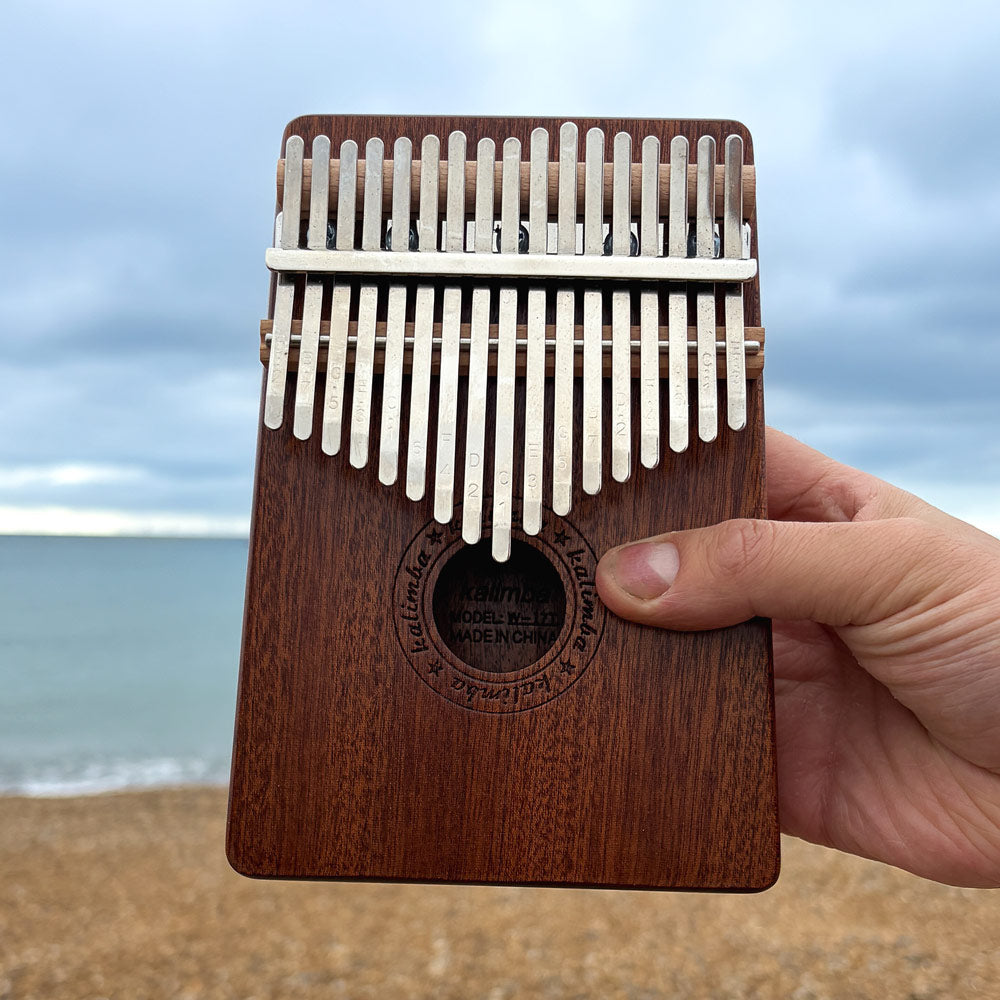

So, you’ve bought your first thumb piano or kalimba and it’s arrived untuned—frustrating, but completely fixable. Rest assured, I'm going to show you how to tune a thumb piano kalimba so that you can start playing the music you love but first, I want you to know that even though you can adjust the notes by hand, using a tuning hammer makes this process much easier and even more precise. See the five steps below to tune your instrument.
1. Download a tuning app
Go to the app store on your smartphone and download a tuning app. The apps available will vary so you may need to try a few different ones.
2. Playing the tine
Play a tine close to your phone with the app open so it can detect the note. The app will show whether the note is too high (sharp) or too low (flat).
3. Adjust the tine
To adjust the tine, move the tine in or out and test it again until it matches the correct pitch. This process can feel fiddly at first, and small adjustments make a big difference, so it takes a bit of trial and error.
4. Repeat for each tine
Repeat the second step for every note tine, over time, you’ll start to recognise the correct tuning but getting everything perfectly in tune can be harder than it seems.
5. Protect the tuning
When your finished playing with your kalimba, make sure to put it back in its case as even a slight knock can mess with the tuning. You dont want to have to retune the instrument every time you play it.
Struggling to get your kalimba in tune?

Seeing it done properly makes all the difference. Inside the course, you’ll see exactly how to tune each note, what to do if it’s too high or low, and how everything fits together. After that, you'll learn everything you need to know to be able to play real music with step by step lessons.
Access the Kalimba Starter Course →
Thumb piano – Frequently asked questions
What is the best thumb piano for beginners?
What are different types of thumb pianos?
The African mbira is the original. The modern version is the kalimba, a type of thumb piano with varying numbers of metal keys (tines).